
One launch flow
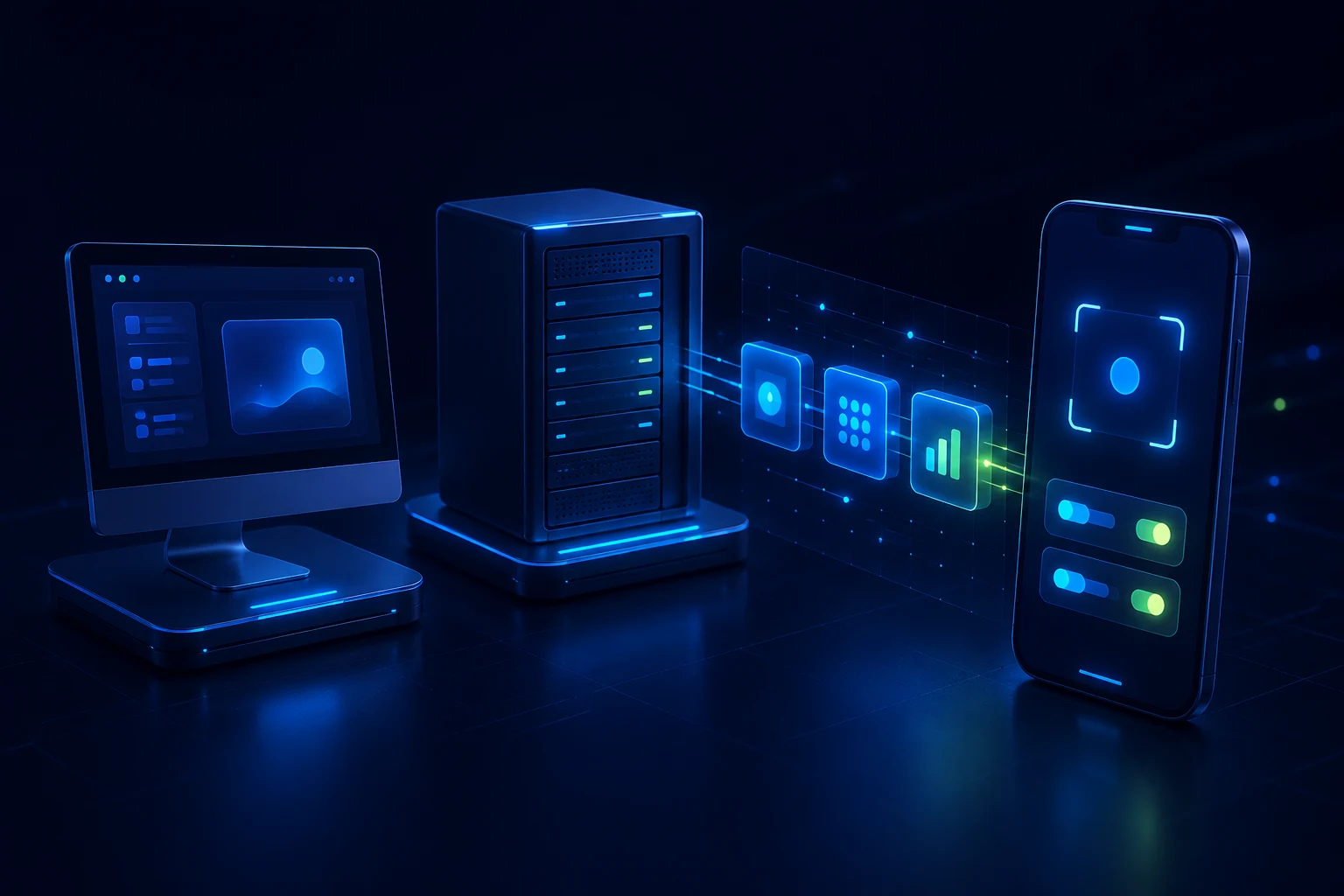
Select a Host, project, agent, and model in one mobile flow, then send the task.
Remote task dispatch
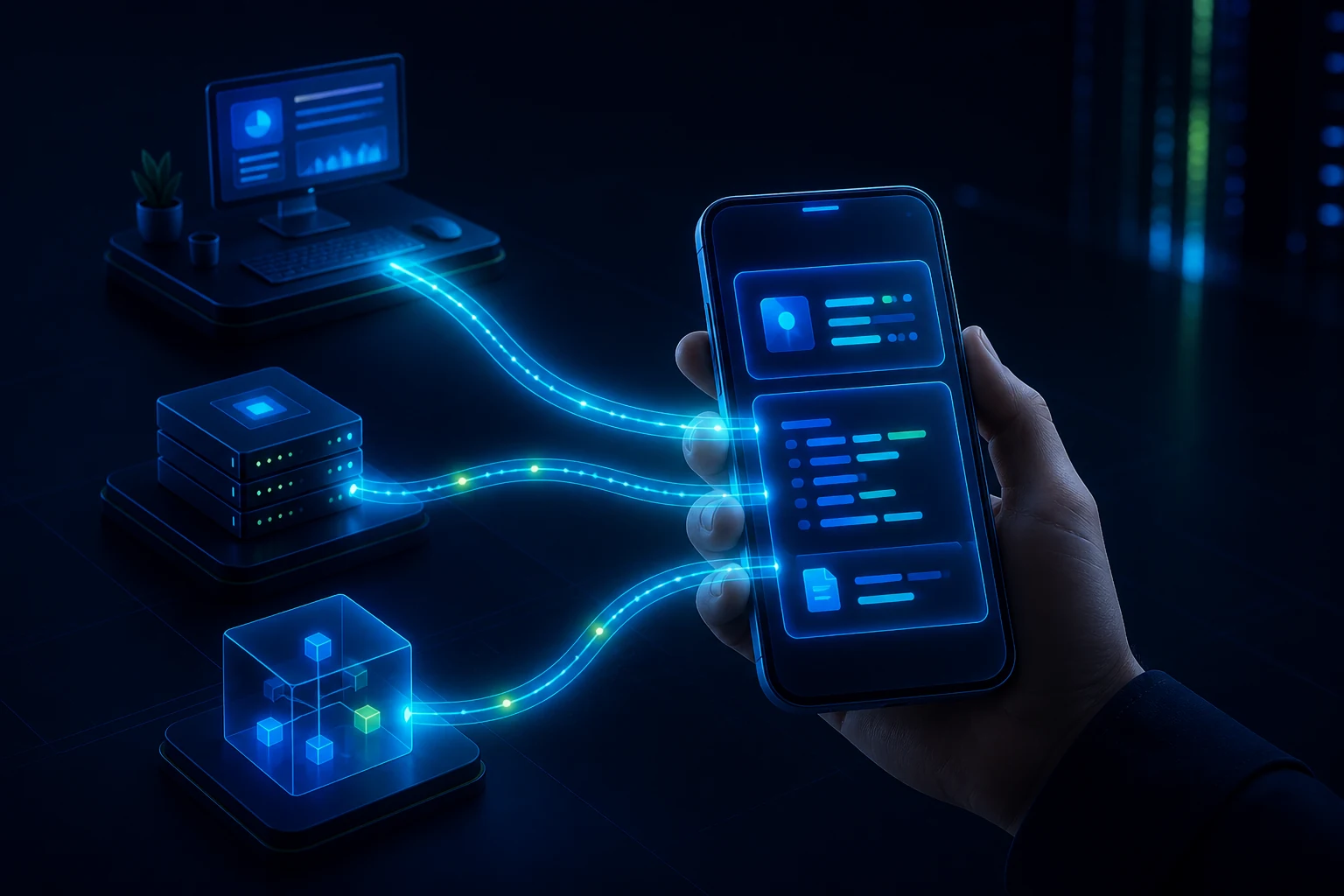
Choose an Environment, project, and agent from your phone, then send the task. Work continues on your Mac or Linux host while progress and results come back to you.
See how it works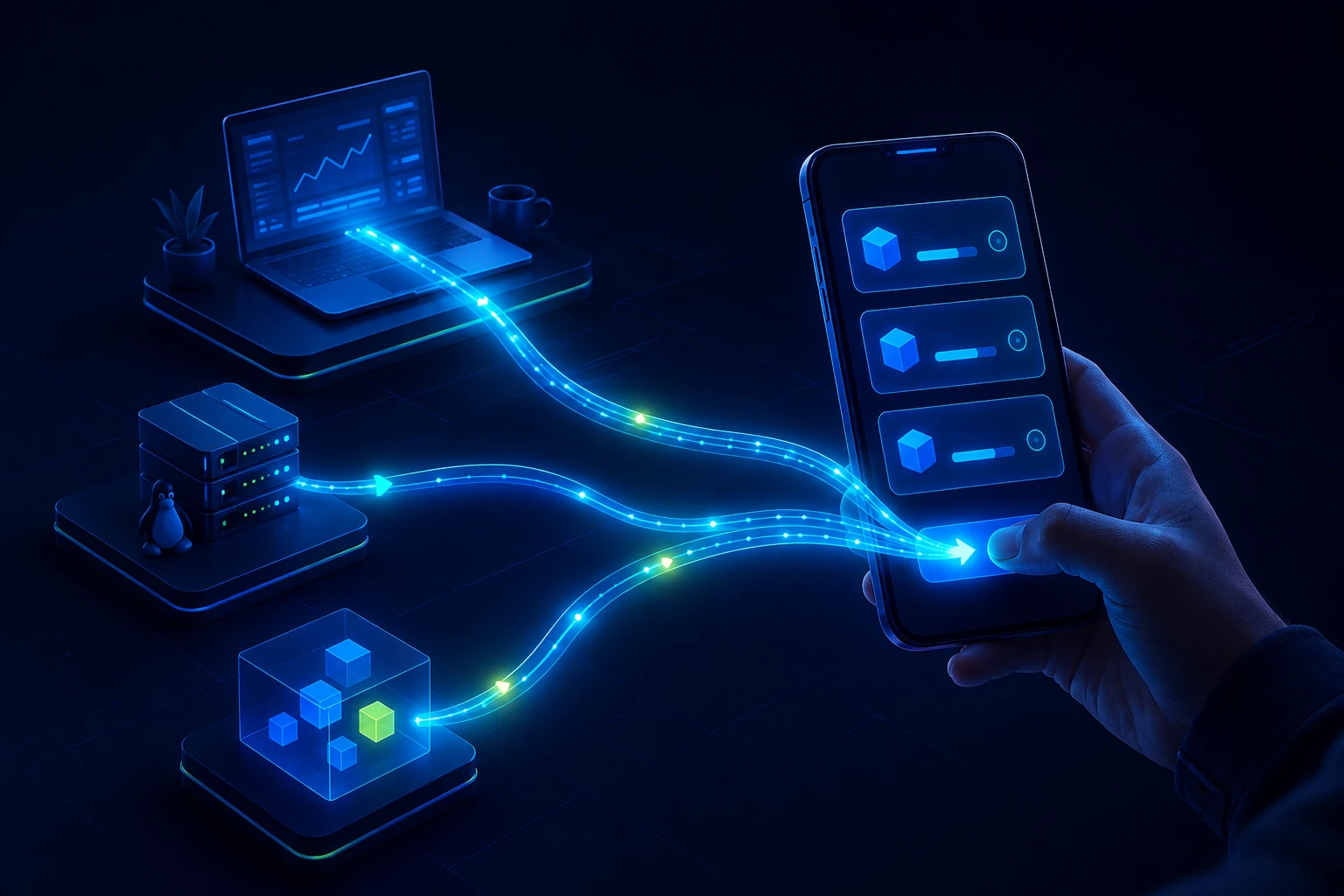
Choose the Environment and agent, then send work to your own remote host.
What changes
Start work without remotely logging into a desktop: select the real Environment, project, and agent on your phone.
The task keeps running on the Host while you commute, attend a meeting, or leave your desk.
Progress, responses, changes, and results return with the original project context intact.
Built for remote work
FT2 keeps execution on your Mac or Linux host while your phone becomes the lightweight entry point for dispatch, progress, and results.
Select a Host, project, agent, and model in one mobile flow, then send the task.
Agent CLIs, project files, and execution state remain in your Mac or Linux Environment.
Resume an existing thread without moving context or keeping a desktop terminal open.