
Let agents execute. Send work from anywhere.
Connect your own Mac and Linux Environments, choose a project and agent, then dispatch the task from your phone. Execution stays on the Host; progress and results come back to you.
Projects, credentials, and agent history remain on your host.

Use cases
Dispatch remotely. Configure once. Receive results anywhere.
Each workflow has its own page, with a visual walkthrough of the job from Environment setup to task completion.
Remote task dispatch
Send work to a remote agent
Choose an Environment, project, and agent on your phone, then send the task to your own Host.
View use case →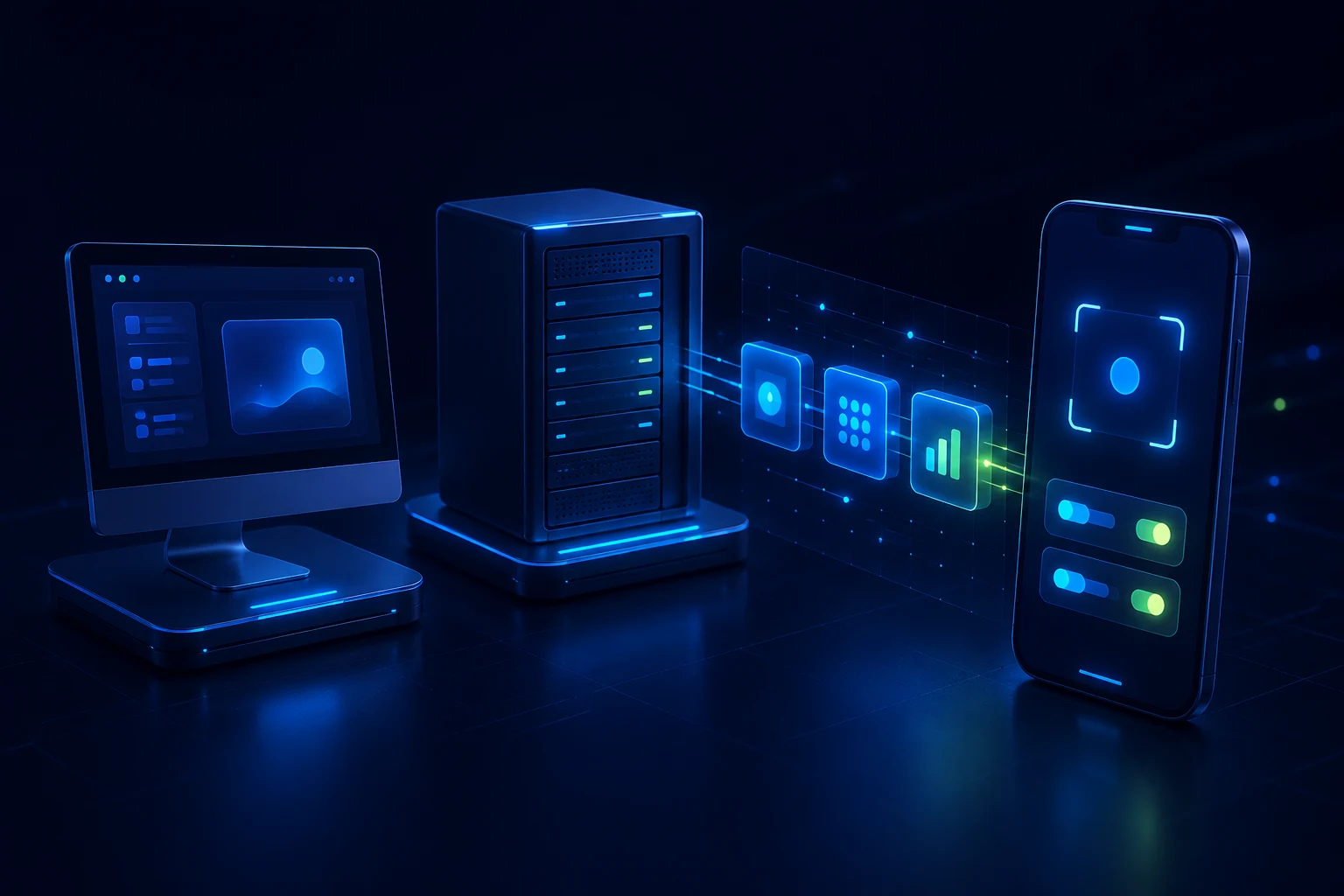
Environment setup
Configure the Environment in a few steps
Pair the Host, detect runtimes, save reusable configuration, and start the first task.
View use case →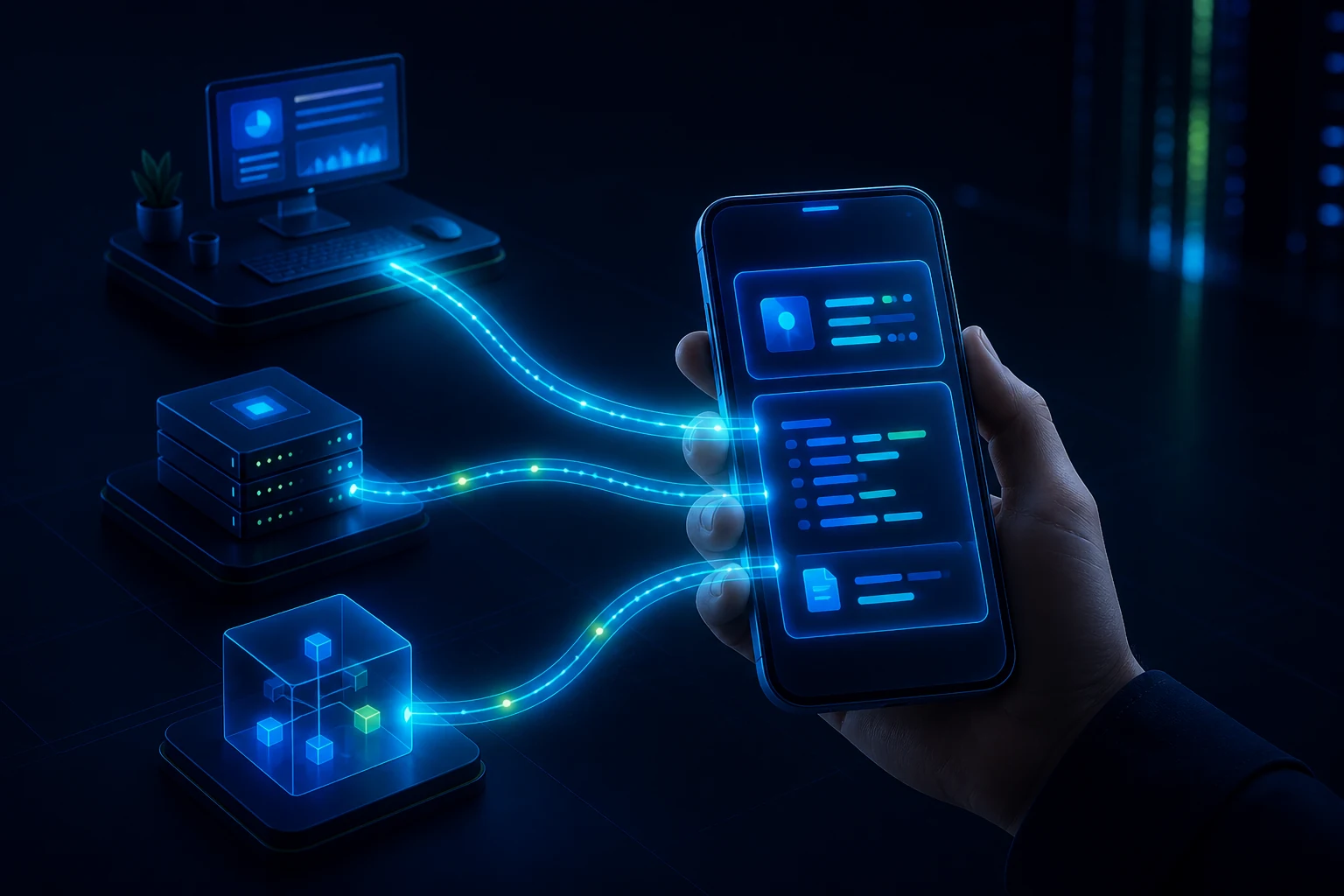
Multi-environment workflow
One place to dispatch across environments
Keep tasks in the right context, run them in parallel, and collect results on your phone.
View use case →Your environment, your control
Your Host remains the working environment.
FT2 Gateway provides authenticated routing between your phone and Host. Projects, threads, agent configuration, CLI credentials, and execution state remain owned by the Environment.
Understand the security modelBuilt on open foundations
Thank you, T3 Code.
FT2's client and Server foundations originate from T3 Code and are extended under the MIT License. We retain clear attribution to that work.
Work from anywhere